The Best Apple Watch Reading Apps in 2026
Nine apps put books and documents on your wrist, and they do three genuinely different jobs. A comparison with verified prices, ratings and update dates — including where our own app loses.
Created by Bee
Updated 3 October 2026
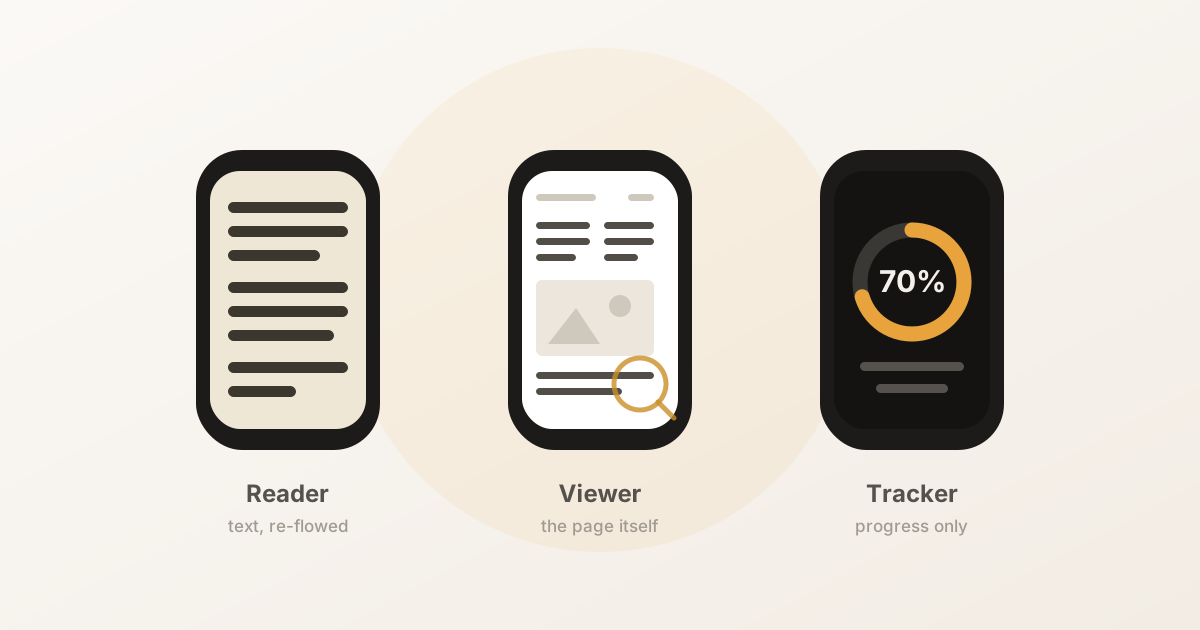
There are more of these than you’d expect — nine worth knowing about — and the single most useful thing to understand is that they aren’t competing with each other. They do three different jobs, and most disappointment with wrist reading comes from installing the wrong kind.
Disclosure: we make BeeReader, one of the apps below. That’s a reason to read this sceptically, so everything here is checked against each app’s own App Store listing, prices and ratings included, on 18 August 2026. Where our app is the weaker choice, it says so.
First: which of the three do you need?
| Kind | What it puts on the watch | Right when you want to… |
|---|---|---|
| Reader | The text, extracted and re-flowed to the screen | Read a book for minutes at a time |
| Viewer | The rendered page, which you zoom and pan | Check a boarding pass, a diagram, a clause |
| Tracker | Just your progress — no book text at all | Log a book you’re reading on paper or Kindle |
A reader throws away the page layout and keeps the sentences. A viewer keeps the page and asks you to navigate a postage stamp’s worth of A4 at a time. Neither is better; they fail at each other’s job. There’s more on that split in the PDF guide.
The comparison
All figures from each app’s App Store listing on 18 August 2026. Ratings move, prices change, and a listing describes what a developer says their app does — check before buying.
| App | Kind | Formats | Price model | Ratings | Updated |
|---|---|---|---|---|---|
| BeeReader | Reader | TXT, EPUB, PDF | Free, one-time $3.99 unlock | None yet | Aug 2026 |
| Reader for Watch | Reader | EPUB, TXT | $1.99 up front | 3.1 ★ (24) | Jul 2026 |
| EPUB Reader for Watch | Reader | EPUB, TXT | Free, $2.99/mo or $24.99/yr | 4.0 ★ (1) | Apr 2026 |
| Wrist Reads | Reader | EPUB, TXT (PDF on iPhone) | Free, Pro subscription | 4.0 ★ (2) | Aug 2026 |
| TXT Novel Reader | Reader | TXT | $0.99 up front | 3.8 ★ (4) | Mar 2025 |
| WristDocs | Viewer | PDF, DOCX, XLSX, TXT | Free | 4.6 ★ (365) | Jul 2026 |
| iWatch PDF | Viewer | Free, cloud account required | 4.1 ★ (95) | Jun 2026 | |
| Wrist PDF Viewer | Viewer | Free, watch viewing is Premium | 5.0 ★ (5) | Mar 2026 | |
| WristNotes | Viewer | PDF, DOCX, TXT, images | Free | 5.0 ★ (3) | Aug 2026 |
Two columns there deserve more attention than the star ratings.
Review counts. Most of this category is tiny. A 5.0 from three ratings tells you almost nothing; WristDocs’ 4.6 from 365 is the only number here with real weight behind it. Our own app has no ratings at all, which is a genuine reason to be cautious about it — we have no track record to point at.
Update dates. TXT Novel Reader was last updated in March 2025. On a platform where watchOS ships a major version every autumn, an app that hasn’t been touched in eighteen months is a risk.
By what you’re actually trying to do
Reading novels and long-form text
This is the reader camp, and the meaningful differences are format coverage and how you pay.
Reader for Watch is the most feature-complete of the readers on paper — EPUB and TXT with text-to-speech, auto-scroll, bookmarks and a Continue Reading widget, for $1.99 once. Its 3.1-star average across 24 ratings is the lowest in the category, which is worth weighing against the feature list; it’s also the only app here where you pay before you can try it.
EPUB Reader for Watch is the one to pick if RSVP speed reading appeals — words flashed one at a time, 5 to 200 wpm. That’s a genuinely different way to read and people either love it or bounce off it hard. Note the pricing: free to install, then $2.99 a month or $24.99 a year.
Wrist Reads has the nicest library features — highlights, in-book search, reading goals and streaks, plus a built-in free public-domain library. One caveat from its own listing: PDF reading is supported on iPhone, with the watch focused on synced watch-ready books. If PDF on the wrist is the point for you, confirm that before subscribing.
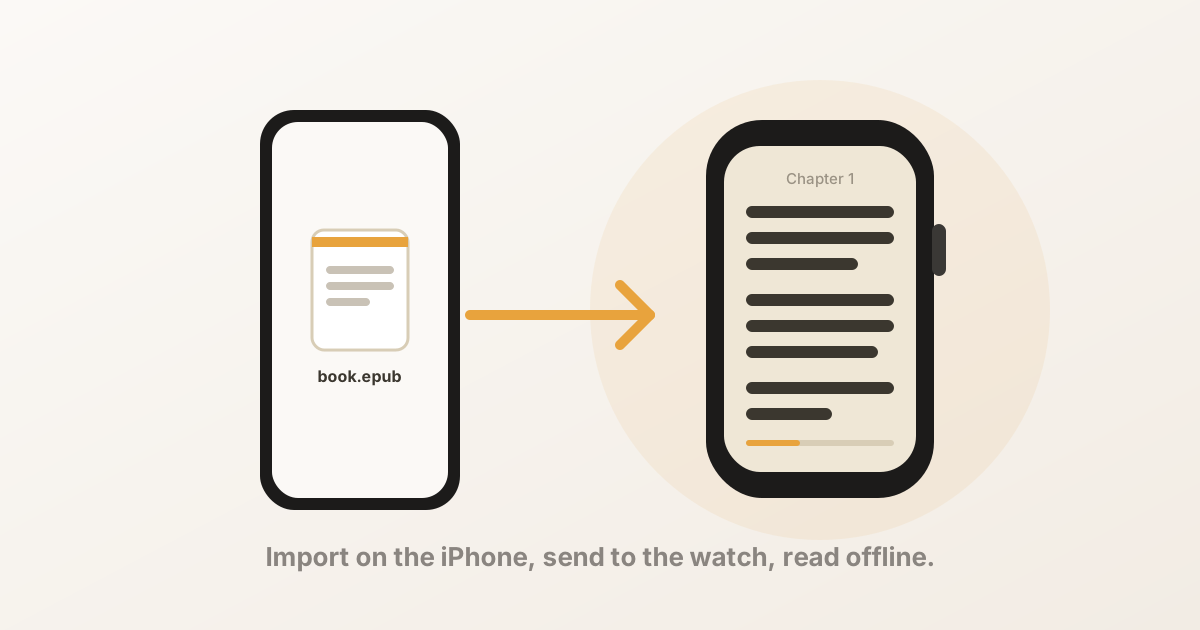
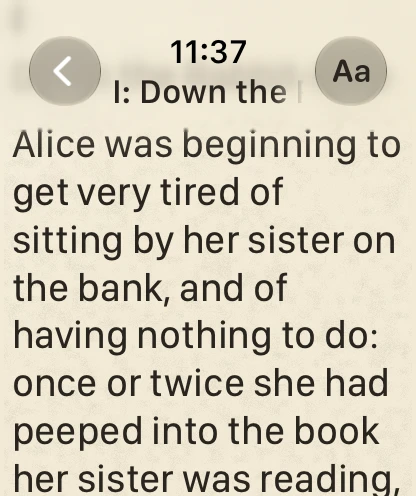
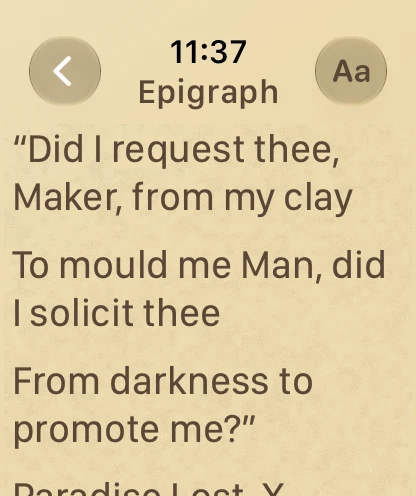
BeeReader, ours, takes all three formats through to the watch, cleans up PDF text on import, and is a one-time $3.99 unlock rather than a subscription. Since this comparison was first written it has added read-aloud on the watch, which needs Bluetooth headphones — so it and Reader for Watch can now both read a book to you. And, again: no ratings yet.
Documents you need to see
WristDocs has by far the most review volume in this category — more than everything else here combined — and handles PDF, Word, Excel and text. If you want a document viewer, it is the most proven one on offer.
Set your expectations at the category, though, not at the app. A viewer shows you the page as laid out for paper, so on a watch you are panning around a fraction of an A4 at a time. That is workable for checking a thing you already know the shape of — a booking reference, a gate number, one clause — and it is not reading. If you open a report expecting to get through it on your wrist, no viewer in this list will give you that, however good its reviews are. For continuous reading you want a reader, which throws the layout away and re-flows the words.
iWatch PDF adds a document scanner and folders, and syncs through a cloud account. That sync is convenient and it’s also a trade: you sign in with Apple or Google and your documents are stored on their servers. Fine for lecture slides, worth thinking about for anything confidential. It also requires iOS 26, the steepest requirement in this list.
Wrist PDF Viewer looks capable — Crown zoom, text search — but its listing states that viewing PDFs directly on the watch is a Premium subscription feature. Know that before you install it expecting a free viewer.
WristNotes is the most unusual: alongside viewing, it offers AI summaries of long documents, plus an incognito mode and a panic button that swaps the screen for a clock face. If you want a long report condensed rather than read, it’s the only one here doing that.
Only tracking progress
If you read on paper, a Kindle or an iPad and just want the watch to log it, you don’t want any of the above. Book Tracker, Bookmarks and Shlf all have watch apps for updating progress, starting sessions and hitting daily goals. They never show you book text, which is exactly right for that job.
Listening rather than reading
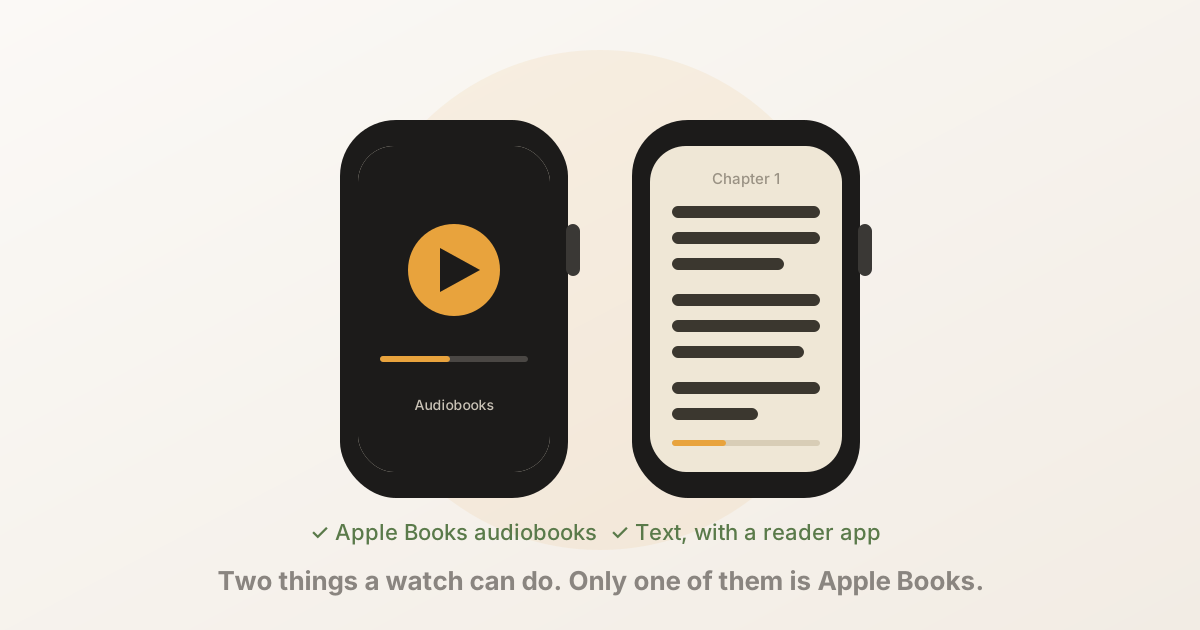
Also worth saying plainly, because it’s where most search results end up: audiobooks already work natively. Apple’s Audiobooks app syncs titles from Apple Books to the watch and plays them to Bluetooth headphones with no phone present. Audible works phone-free too. If audio is what you want, you don’t need anything from this page.
Three things to check before you install
- What “free” means here. Half this list is free to install. Within that half you’ll find one-time unlocks, monthly subscriptions, and at least one app where the core watch feature is the paid tier. The badge doesn’t distinguish.
- Whether it truly works offline. Some of these now sync through a cloud account rather than storing on the watch. Transfer a book, put the watch in Airplane Mode, switch the phone off, and try to read — that settles it in thirty seconds. More on this in the phone-free guide.
- Whether it’s still maintained. Check the update date on the App Store listing. watchOS changes every year and this is a category with a lot of abandoned apps in it.
The short version
- These apps do three different jobs — reader, viewer, tracker. Pick the category first, the app second.
- For documents, WristDocs is the safe default; it’s the only app here with meaningful review volume.
- For books, it comes down to format coverage and pricing model. Reader for Watch has the fullest feature list and the weakest rating; EPUB Reader is for speed readers; Wrist Reads is strongest on library features but keeps PDF on the phone.
- Kindle and DRM-protected Apple Books can’t be read on a watch by anything.
- Judge review counts, not just star averages — most of this category has fewer than 25 ratings.
If you want ours: BeeReader reads TXT, EPUB and PDF, stores books on the watch, works with no account and no data collection, and unlocks with a one-time purchase. It’s new and unreviewed, which you should factor in. New to all this? Start with the step-by-step guide on Read on Watch, our site of reading guides.
Frequently asked questions
- What is the best reading app for Apple Watch?
- There isn't one, because these apps do three different jobs. If you want to read a book as text, you need a reader that extracts and re-flows it. If you need to see a document's actual layout, you need a page viewer. If you only want to log progress in a book you read elsewhere, you want a tracker. Picking the wrong category is the usual reason people conclude that watch reading doesn't work.
- Are there free reading apps for Apple Watch?
- Several list as free, but read the pricing model carefully. Some are free to start with a one-time unlock, and some put the actual watch reading behind a monthly or yearly subscription — Wrist PDF Viewer, for instance, states that direct PDF viewing on the watch is a Premium feature. The App Store "Free" badge does not distinguish between these.
- Which Apple Watch reading app has the most reviews?
- WristDocs, with 365 ratings at 4.6 out of 5 as of August 2026 — far more than anything else in the category, most of which have single-digit or low double-digit review counts. It is a document viewer rather than a book reader, so it is the right benchmark only if viewing pages is what you need.
- Can I read Kindle books on an Apple Watch?
- No. Kindle files are DRM-protected and Amazon publishes no watchOS app, so no third-party reader can open them. The same applies to DRM-protected purchases from the Apple Books Store. Everything in this comparison works on files you own outright — DRM-free EPUB, PDF and TXT.
- Do these apps work without an iPhone nearby?
- Most do once the book has transferred, but not all, and a few now sync through a cloud account instead of storing locally. The reliable way to check is to put the watch in Airplane Mode, switch the iPhone off, and try to read. If the text appears, it is genuinely on the watch.